A field guide to Donut Place
CONTROLS
There is no key list inside Donut Place. The game teaches movement with one prompt, the portal prints a short sheet, and everything else has to be found by trying it.
- TESTED the first prompt and the on-screen gear, 2026-11-05
- IN-GAME Use the Mouse or Keyboard to Move!
- OFFICIAL ONLY WASD / Arrow keys, or drag with the mouse — the portal control sheet; swipe on touch
- NEEDS CHECK what the gear panel holds, and whether any key rebinds
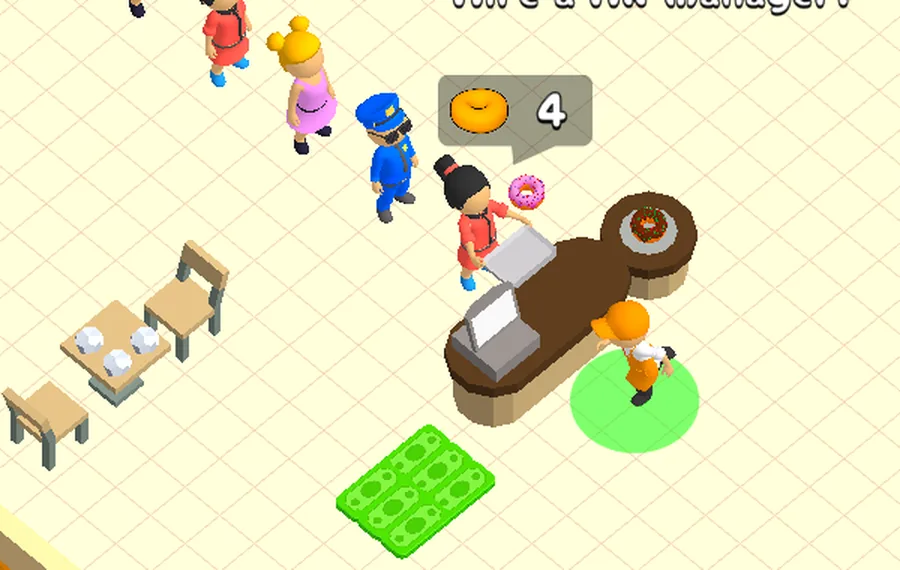
What the game itself says
The first thing it prints after the shop opens is a box in the middle of the screen:
Use the Mouse or Keyboard to Move!
That is the entire tutorial on movement. Nothing on screen lists interact, confirm, or a menu key — the game expects you to walk up to a thing and click or press instead of memorising a table.
What the portal prints
The CrazyGames page carries a control sheet for the build, which is the only written list that exists anywhere:
| input | what it does, per the portal |
|---|---|
WASD / arrow keys | move |
| mouse drag | move |
| swipe | move, on a touchscreen |
Both movement methods worked in our session. The sheet lists nothing else, which does not mean nothing else exists — it means the page has four lines and we have not confirmed a fifth.
What we confirmed by playing
- click on a highlighted object acts on it: the floor tiles and the pink ring both respond to a pointer, and a purchase happens the moment you click a tag.
- the gear in the top-left corner opens something. We have not opened it, so we cannot say whether it holds volume, controls, or both.
- the portal's bottom bar has a
Hide this barcontrol, which is page furniture rather than a game input.
What is still open
Whether keys can be rebound, whether there is a pause key, and whether the same sheet applies on a phone. All three need a session with the settings panel open — until then this page stays at four lines and one prompt, because that is what the client has shown us.
Last checked against the client: 2026-11-05 · client web build 2026-11-05